
 The bottleneck usually is not the letter itself. It is the last five minutes before mailing - filling out forms by hand, checking tracking numbers, matching receipts, and hoping nothing gets missed. If you need to print Certified Mail label materials regularly, that last step is where errors, delays, and weak recordkeeping tend to show up.
For firms and offices that send legal notices, payment demands, compliance letters, tenant correspondence, or account documentation, Certified Mail is not just postage. It is evidence. The label, tracking number, mailing record, and delivery status all need to align with your internal process. That is why printing Certified Mail online has become a practical workflow decision, not just a convenience.
Why Print Certified Mail Label Forms oOline
Handwritten green forms still work, but they create friction. Someone has to write the article number, apply the form correctly, wait at the counter if needed, and then retain a physical receipt that may later need to be scanned or filed. That process is manageable for one letter. It becomes inefficient when your office sends Certified Mail every week or every day.
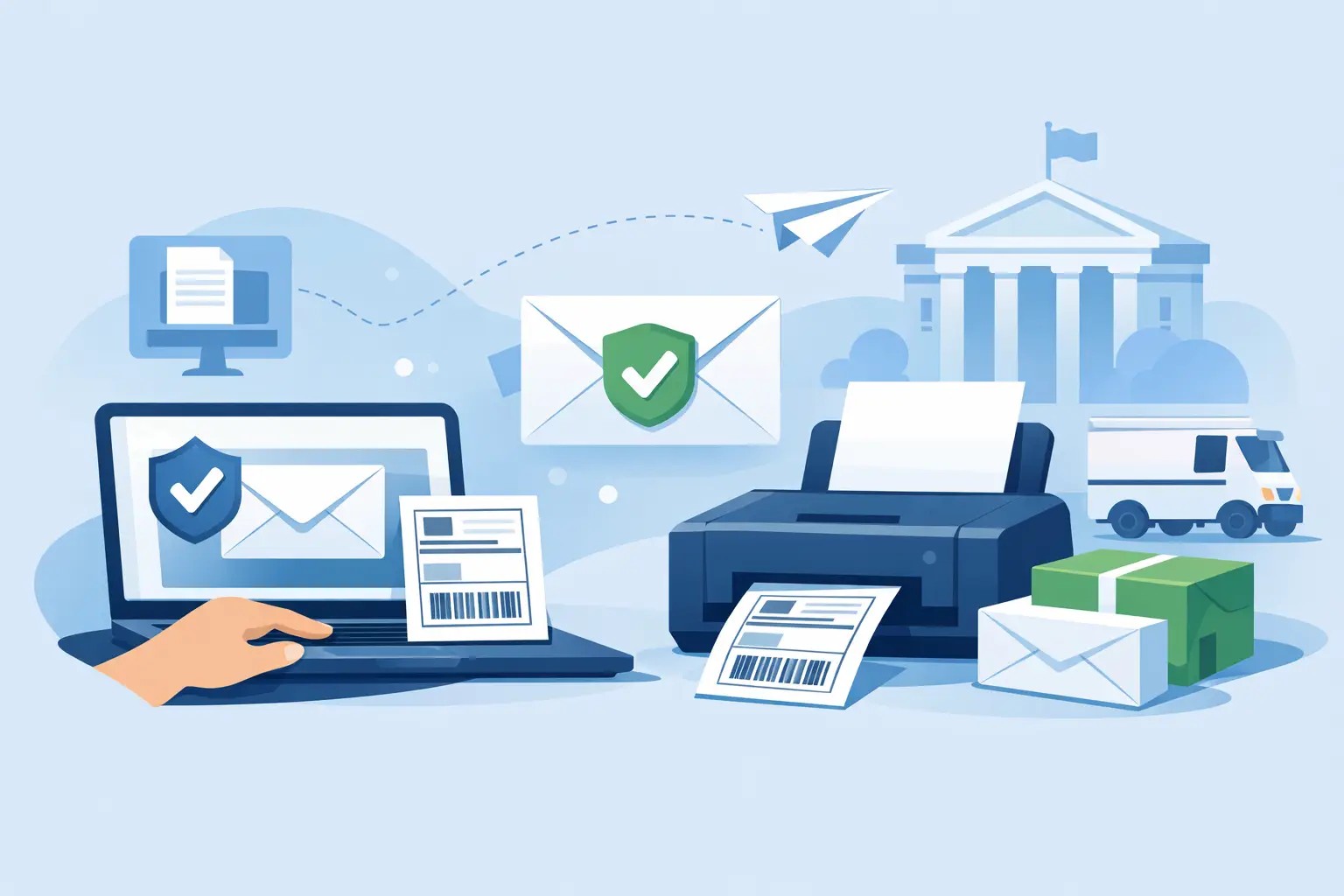
Printing online shifts the task from counter prep to desktop prep. You can generate USPS-compliant Certified Mail Labels, add services such as Electronic Return Receipt, and keep mailing details tied to the recipient and transaction. Instead of treating Certified Mail as a separate manual task, you can make it part of normal document production.
That matters most in environments where mail has downstream consequences. Law offices may need proof that a notice was mailed on a certain date. Property managers may need to document delivery attempts. Accounting and administrative teams may need an auditable mailing trail without chasing paper receipts.
What a Certified Mail Label Needs To Do
A Certified Mail label is more than a sticker with postage. It has to support the USPS Certified Mail service and preserve the tracking identity of the mailing. In practical terms, the label process should let you prepare the mailpiece correctly, connect it to the recipient record, and retain enough data to confirm what was sent and when.
If you are using a digital workflow, the value is not only that the label prints. The value is that the mailing data can be stored, searched, and reused. A good process captures sender information, recipient details, tracking number, mail date, and optional return receipt services in one record.
This is where many offices see the difference between basic postage printing and Certified Mail workflow. Standard postage tools can help you send mail. They do not always support the documentation standards that Certified Mail users actually need.
How to Print Certified Mail Label Materials Correctly
The cleanest process starts before you print. First, confirm the delivery address and the class of mail you are sending. Certified Mail service is used with First-Class Mail, so the underlying mailpiece still needs to meet USPS requirements for size, weight, and format.
Next, choose whether you need additional proof beyond tracking. Some senders only need proof of mailing and delivery status. Others need a return receipt for legal, contractual, or policy reasons. That choice affects what gets added during setup, and it is easier to decide it before a batch is printed.
Then generate the Certified Mail label and associated mailing materials through an online platform. The system should assign the tracking number, format the label for printing, and produce USPS-compliant output. Once printed, the label needs to be applied exactly as directed for the mailpiece you are using. Placement matters because the barcode has to remain readable and the mailing has to conform to USPS handling standards.
After printing, the final step is record retention. Save or export the mailing details while the transaction is still fresh. If your office waits to reconcile receipts later, the process starts to drift back toward manual tracking. The point of printing online is not just speed at the printer. It is process control after the mail leaves your office.
Print Certified Mail Label Workflows by Volume
Low-volume senders usually care most about simplicity. If you send a few Certified letters each month, the best workflow is one that lets you prepare a mailing quickly without learning a complex shipping system. The ideal setup stores addresses, generates the right label, and gives you tracking access without requiring a trip to the post office counter.
Mid-volume offices often need consistency more than anything else. When multiple staff members prepare mail, small differences in process lead to avoidable mistakes. One person may forget the return receipt. Another may save tracking separately. A standardized online workflow helps every user prepare Certified Mail the same way.
High-volume operations have a different problem. At scale, the issue is not whether one label can be printed correctly. It is whether hundreds of mailpieces can be generated, funded, documented, and manifested without creating bottlenecks. Batch processing, account controls, and data import capabilities become far more important than the printing step alone.
That is why there is no single best method for every sender. A solo practice may only need a straightforward desktop routine. A government office or enterprise mailroom may need batch files, departmental controls, and integration with internal systems.
Common Mistakes When Printing Certified Mail Online
The most common error is treating Certified Mail like ordinary letter postage. Certified Mail has service-specific handling and tracking requirements, so the label setup has to match the service purchased. If the mailing method, envelope format, or add-on service is selected incorrectly, you may create confusion later when trying to verify the record.
Another issue is weak address hygiene. Printing a compliant Certified Mail label does not fix a bad recipient address. If the address is incomplete or outdated, you can still end up with delays, returns, or disputes over delivery attempts. Offices that send compliance-sensitive mail should verify addresses as part of the same workflow.
Record fragmentation is another frequent problem. Staff may print one system report, keep a paper receipt in a folder, and track delivery in a separate email chain. That works until someone needs the complete file six months later. A stronger process ties preparation, tracking, and delivery documentation together.
There is also a trade-off with Return Receipt choices. Electronic records are faster to manage and easier to store. Physical receipts may still fit certain legacy procedures or preferences. The right answer depends on your documentation policy, not just habit.
What to Look For In an Online Certified Mail System
If your goal is to print Certified Mail label forms efficiently, the printing feature should be only one part of the evaluation. You also need to know how the system handles compliance, tracking visibility, and mailing records.
Look for USPS-aligned output, clear tracking access, and the ability to add return receipt options during setup. The system should support the envelope and label formats your office actually uses. It should also make it easy to retrieve historical records without relying on paper files.
For recurring business users, operational controls matter. Can multiple users access the account? Can you pre-fund postage? Can you process batches instead of one record at a time? Can mailing data be exported for internal audit or case files? Those questions matter more than a cosmetic user interface.
For larger programs, automation may be the deciding factor. If your team is already generating recipient data from case management, billing, property management, or ERP systems, manual entry becomes a hidden labor cost. In those cases, API or SFTP options can reduce duplicate work and improve consistency.
Certified Mail Labels is built around that operational reality. It supports both occasional Certified Mail users and organizations that need repeatable, documented mailing workflows without relying on Post Office counter preparation.
When online printing is the better choice
Online printing is usually the better choice when you Send Certified Mail as a repeat business process rather than an occasional exception. If your office mails notices, statements, legal correspondence, or regulated communications on a recurring basis, desktop preparation saves time and reduces handling risk.
It is also the better choice when documentation needs to be retrieved later by someone other than the original sender. In many offices, the person preparing the letter is not the person defending the mailing record later. A centralized system makes that handoff easier.
That said, if you send Certified Mail once or twice a year, a manual retail process may still feel acceptable. The trade-off is that it remains slower, less standardized, less defensible, and harder to scale if your mailing volume increases.
Building a Process That Holds Up Later
The real test of Certified Mail is not whether the label printed cleanly. It is whether your office can prove what happened after the fact. That means the strongest workflow is the one that ties together address preparation, label generation, mailing date, tracking visibility, and retained records.
When you print Certified Mail Label materials online, you are not just replacing a green form. You are reducing manual handling in a process where accuracy matters. For offices that depend on proof, timing, and documentation, that shift pays off long after the envelope leaves the building.
A good mailing process should feel routine on the day you send it and reliable on the day you have to produce the record.